Use Home Assistant to Create a Custom Kiosk from Dashboards
COMING SOON
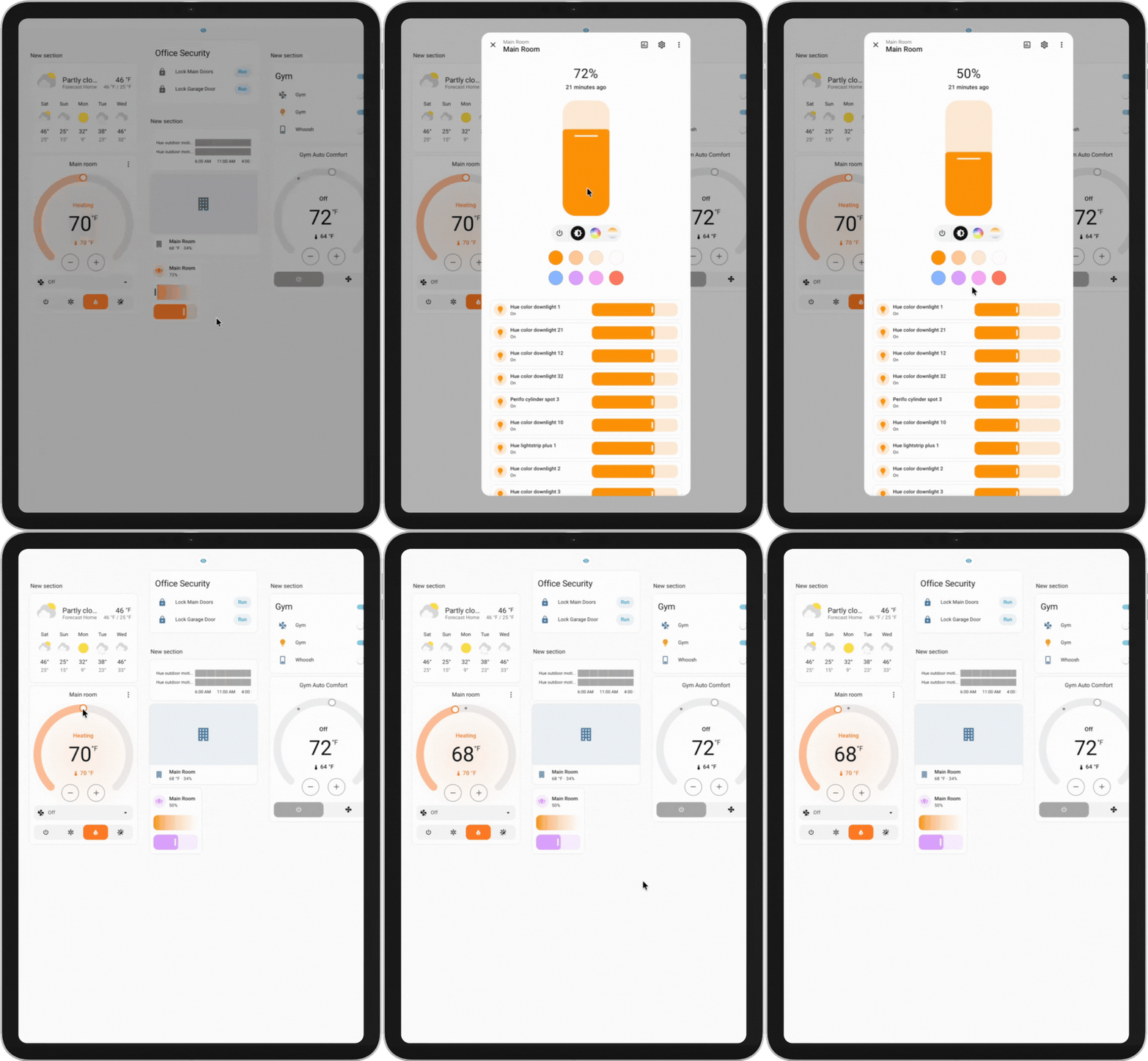
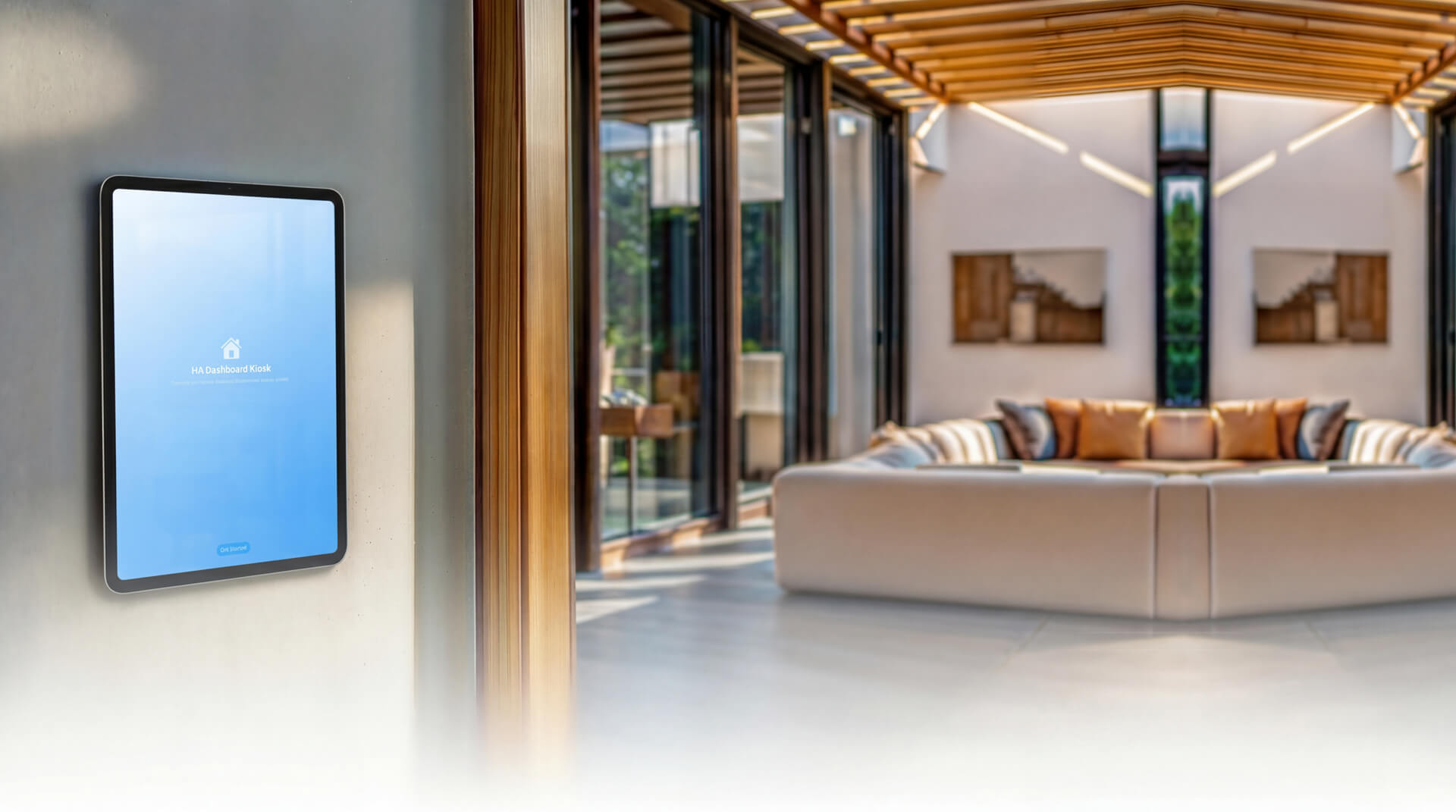
Turn your iPad into a wall-mounted Home Assistant dashboard. Get a clean, full-screen kiosk display built for always-on smart home control panels—perfect for kitchens, living rooms, and wall mounts.
KEY FEATURES
- Full-Screen Dashboard Display
Load any Home Assistant dashboard with a clean, distraction-free view. Supports Nabu Casa, DuckDNS, and custom URLs. - Idle Screen & Power Saving
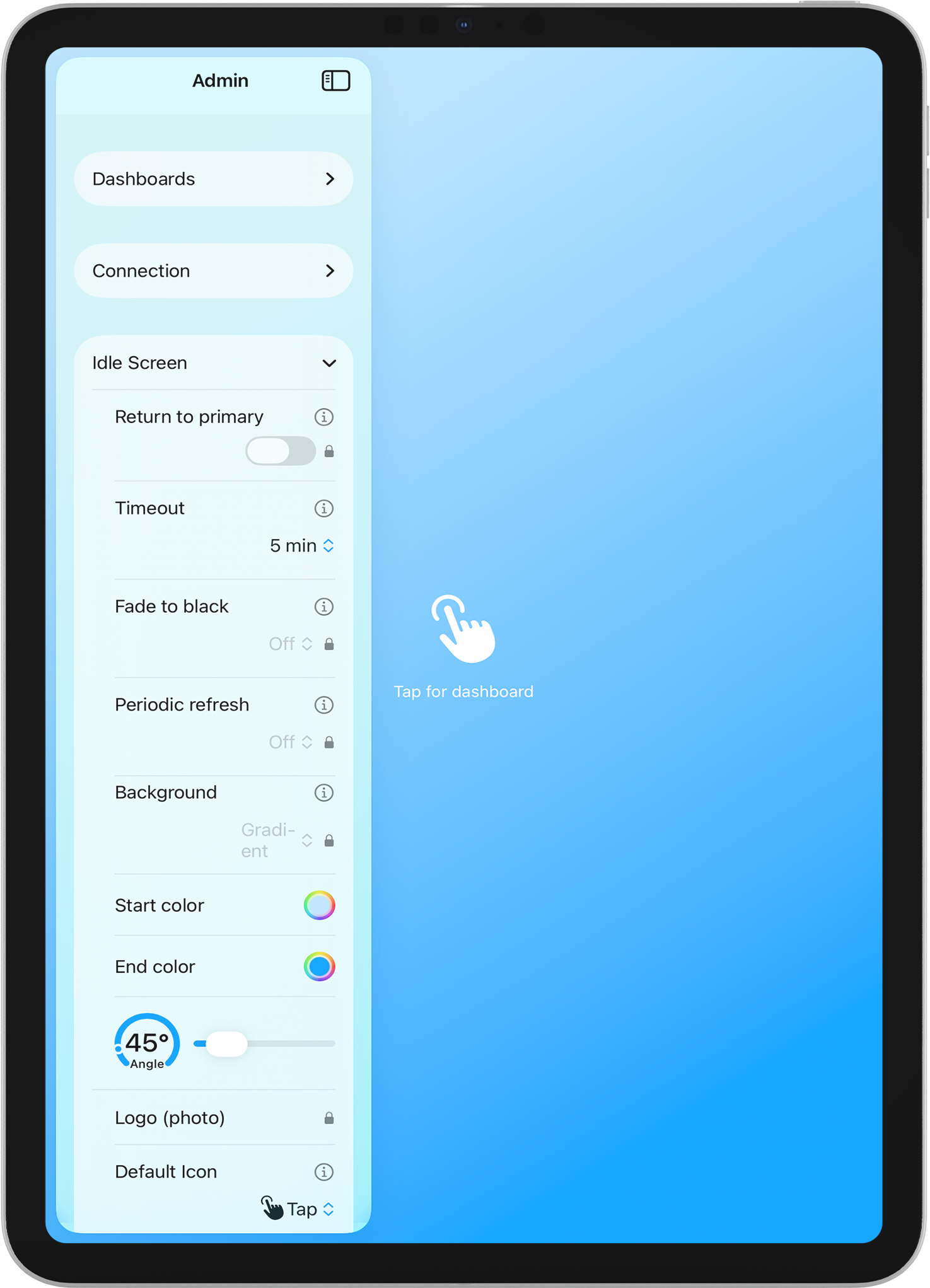
Automatically dims after inactivity, then fades to black to save power. Tap anywhere to wake and return to your dashboard. Choose whether to return to your primary dashboard or the last viewed one. Customize with your own logo, colors, gradient, or background image, plus custom “tap to wake” text and icon. - Multiple Dashboards
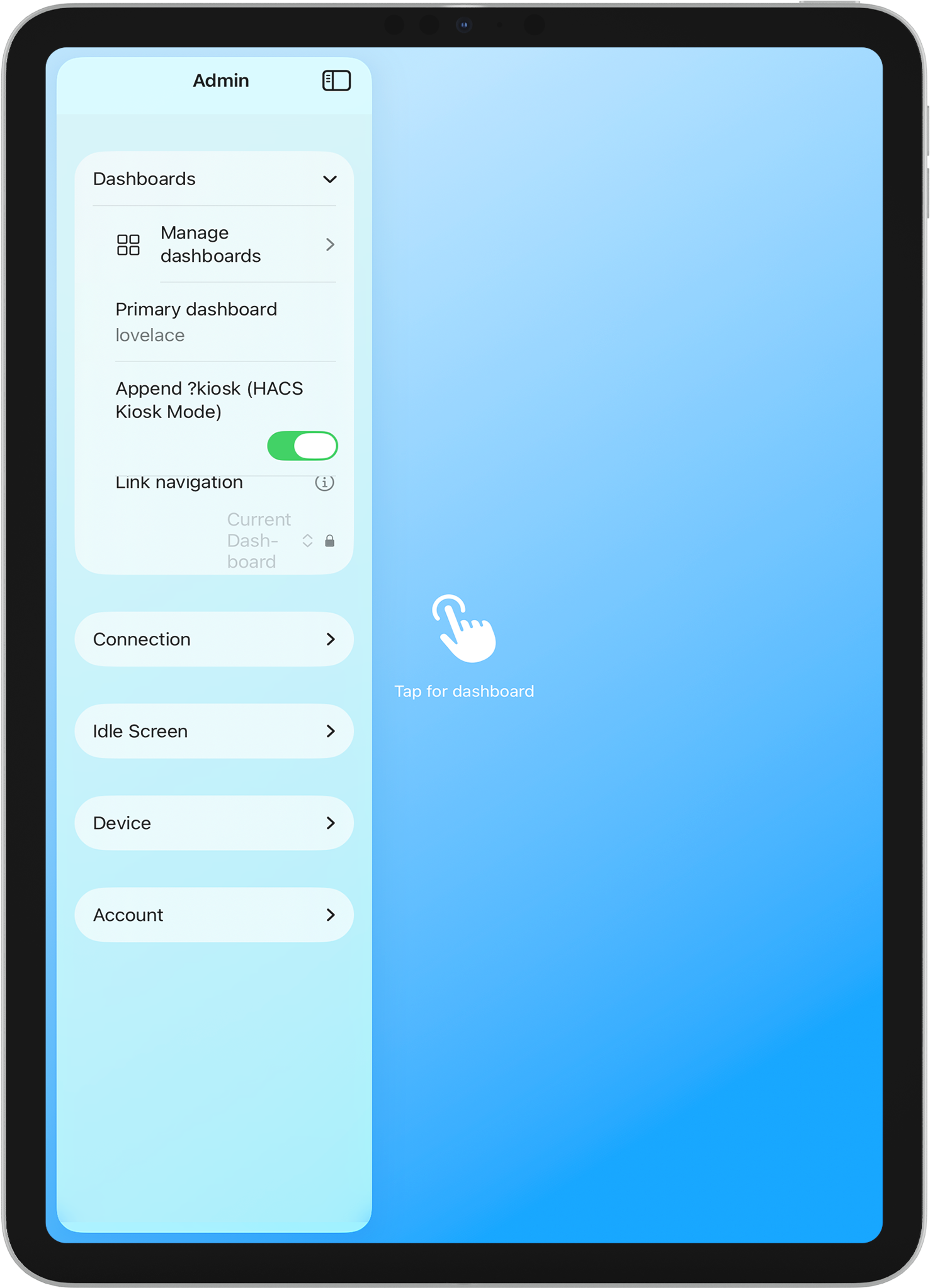
Switch between dashboards with a tab bar (top, bottom, left, or right). Add as many dashboards as you need—climate, lights, security, energy, and more—each with an optional display name and icon. - Secure Authentication
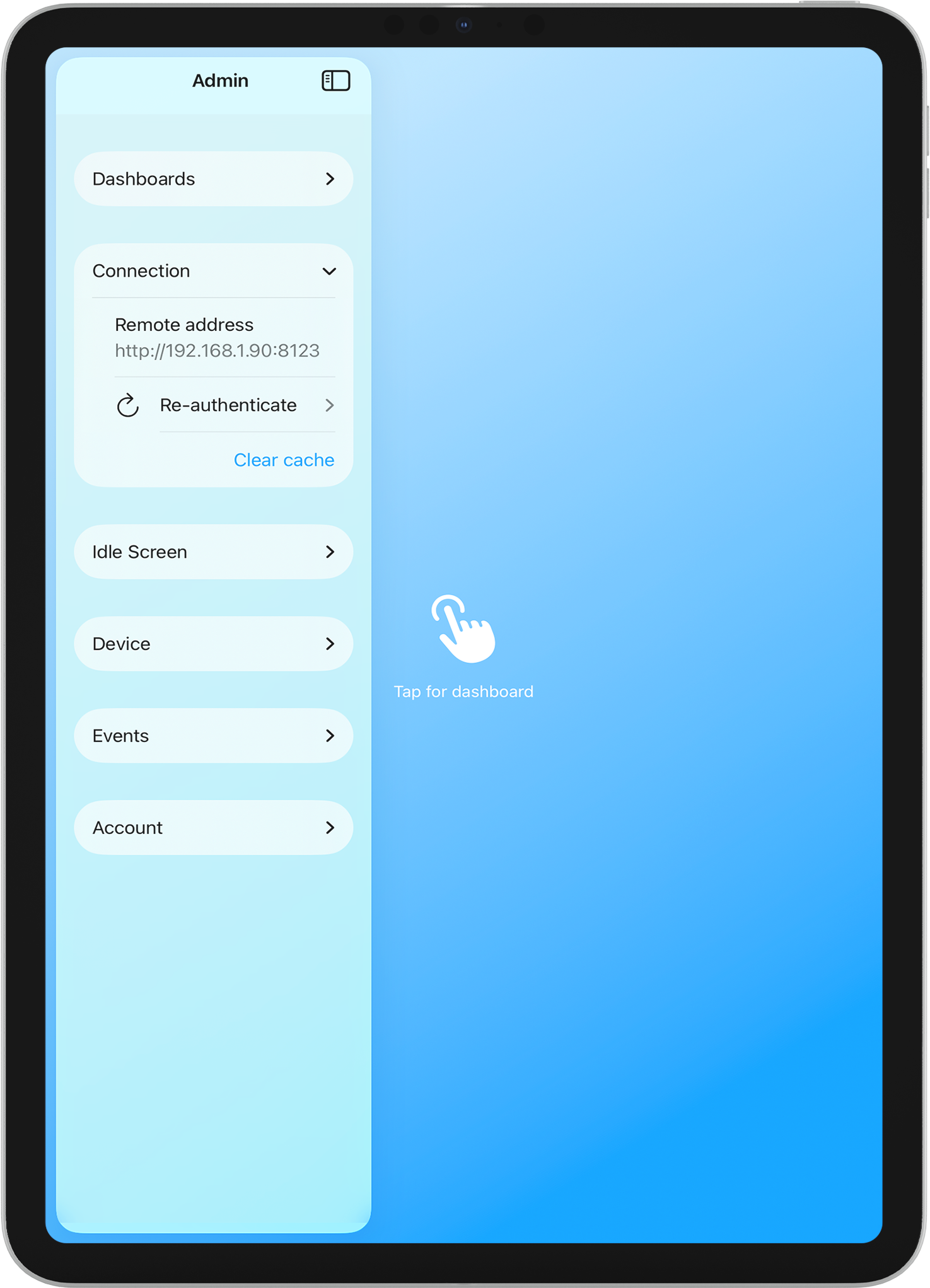
Sign in with OAuth (Nabu Casa) or long-lived access tokens. Tokens are stored securely in the Keychain. - Admin Panel
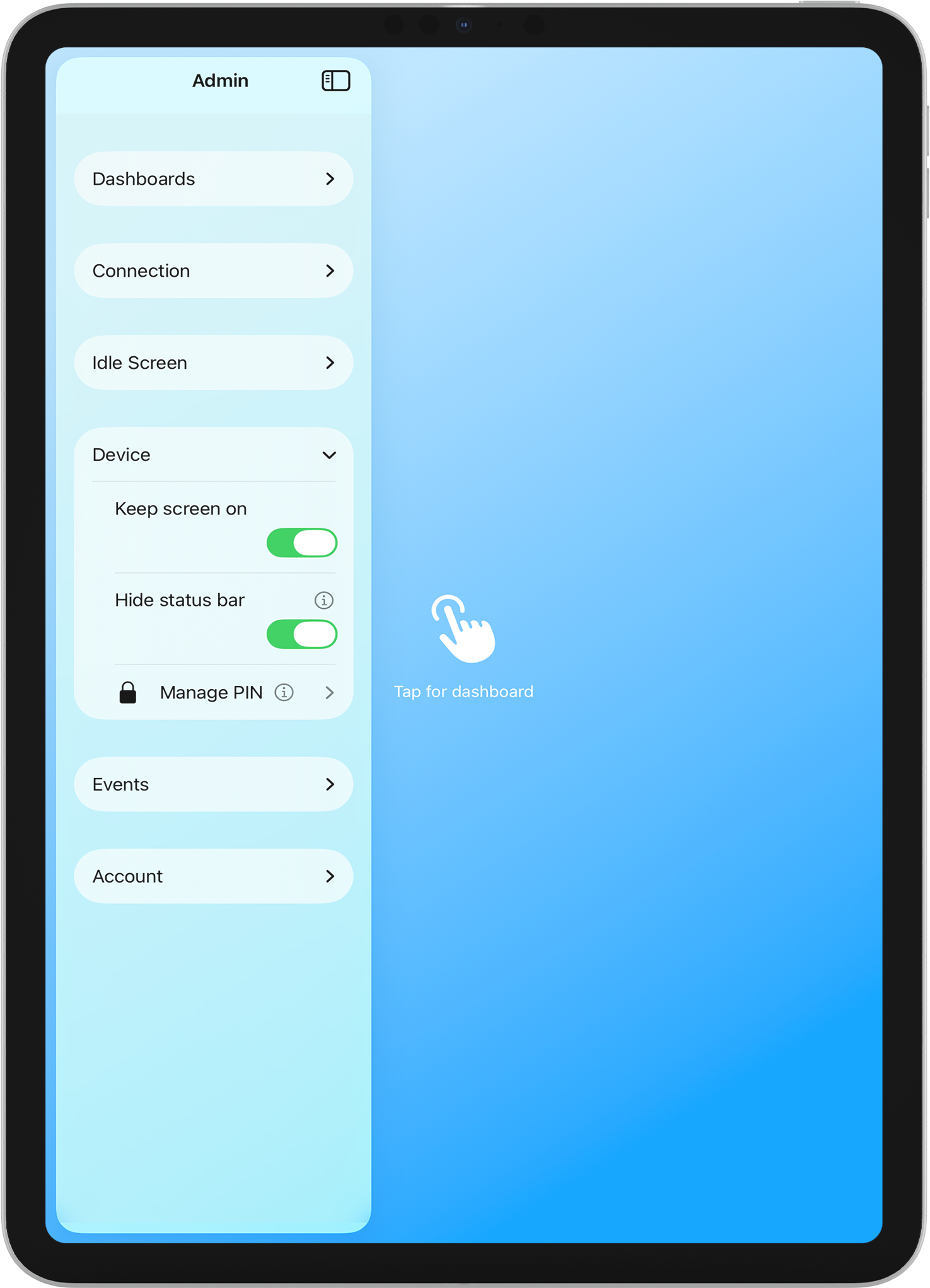
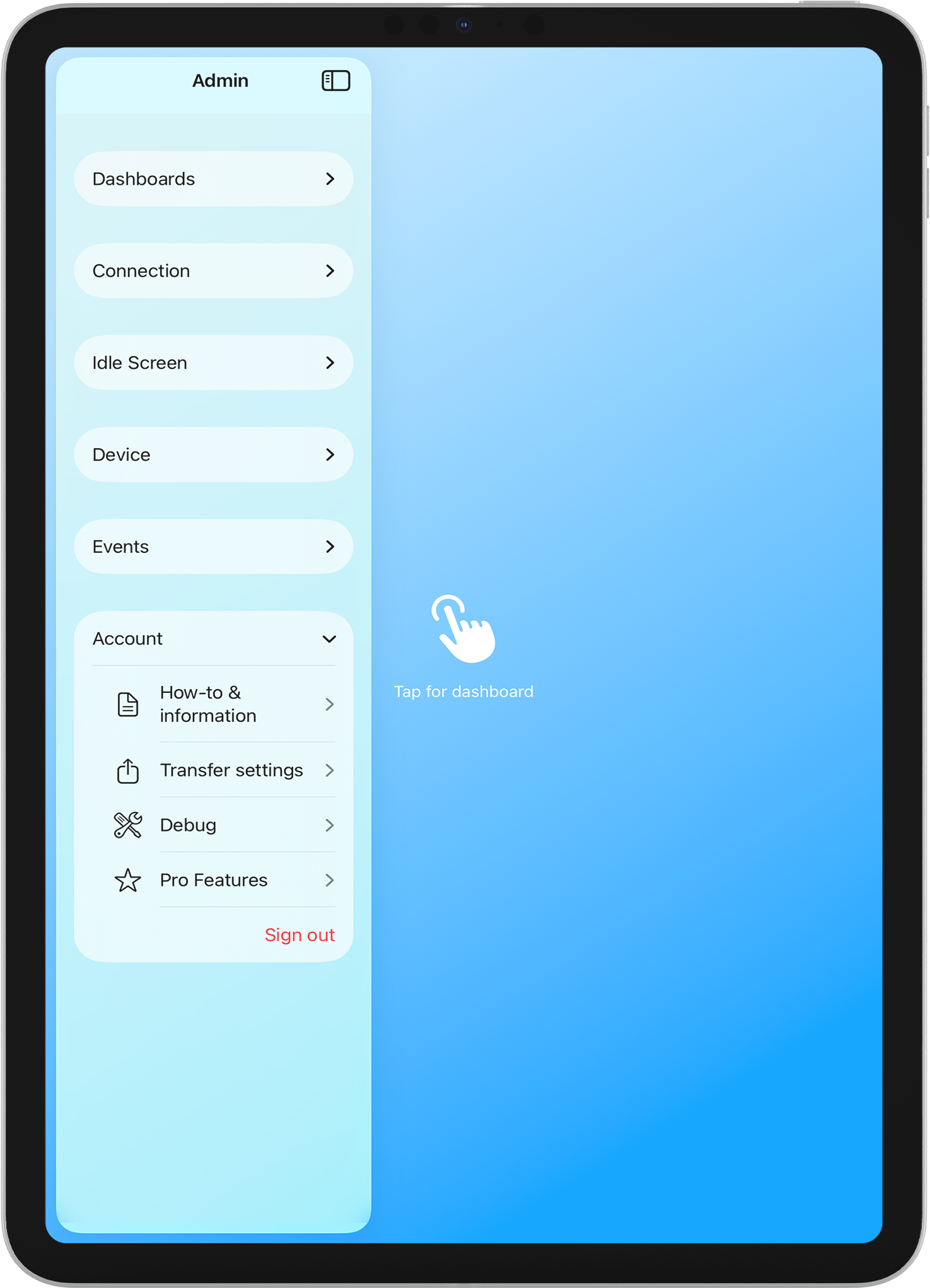
Swipe from the left edge to access settings. Protect with PIN or Face ID. Re-authenticate, manage dashboards, adjust idle and fade-to-black timing, and more—without leaving the app. - Kiosk-Ready
Keep screen on, hide the status bar, and use Guided Access to lock the device to this app. Built for 24/7 wall-mounted use. - Settings Transfer
Export your configuration as a QR code and scan it on another iPad to copy settings—or scan a QR code on a new device to import settings. No need to reconfigure from scratch. - Periodic Refresh
Automatically refresh your dashboard at set intervals to keep data current. Refreshing pauses during the idle screen and fade-to-black to save resources. - Link Navigation Control
Choose how links behave: keep navigation within the current dashboard only, allow any path on your Home Assistant host (Connection), allow all links with external ones opening in Safari (All), or block all link navigation (None). - Dashboard Zoom
Adjust dashboard zoom from 10% to 200% for comfortable viewing on any wall distance (Pro). - Home Assistant Events
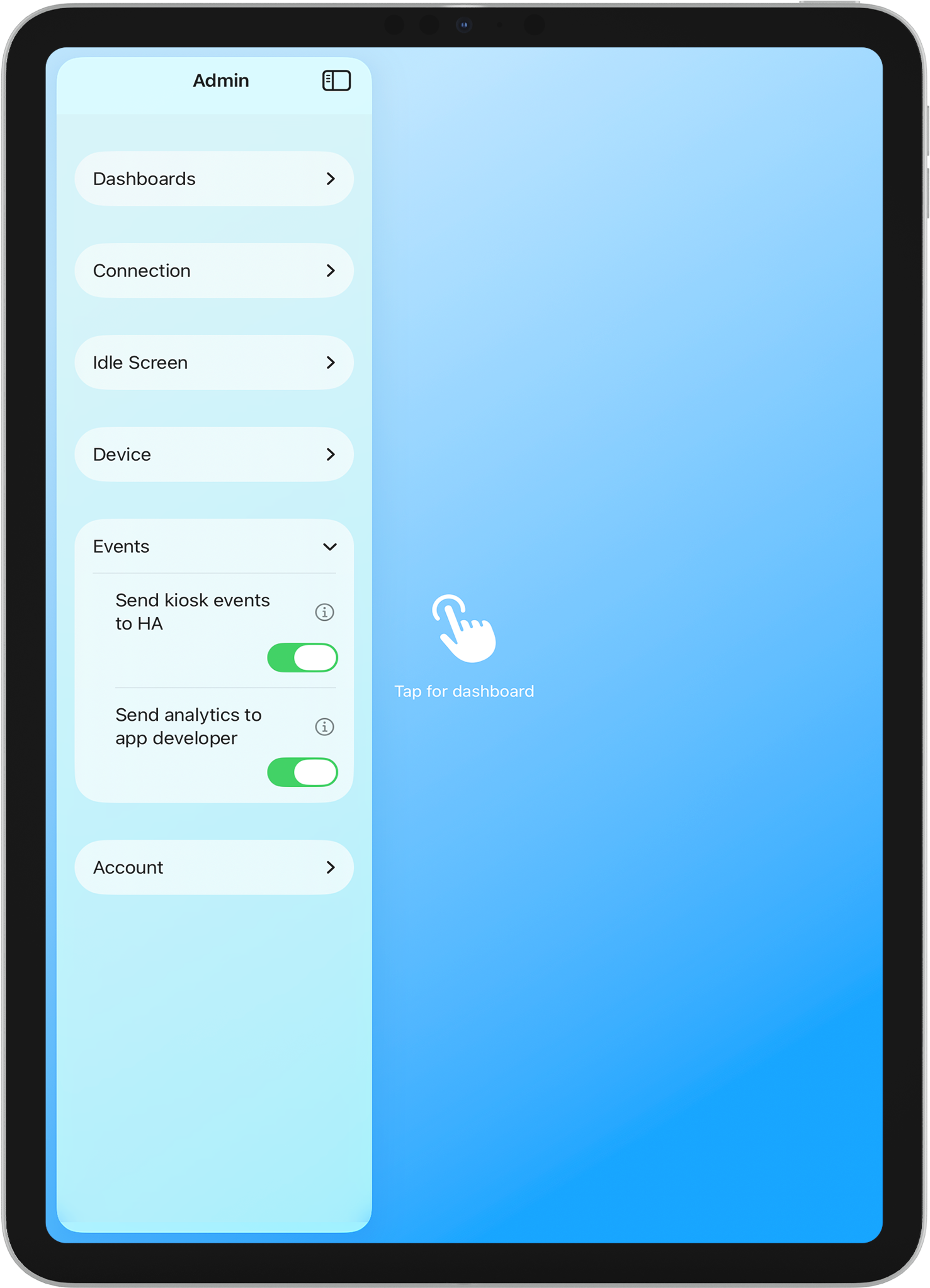
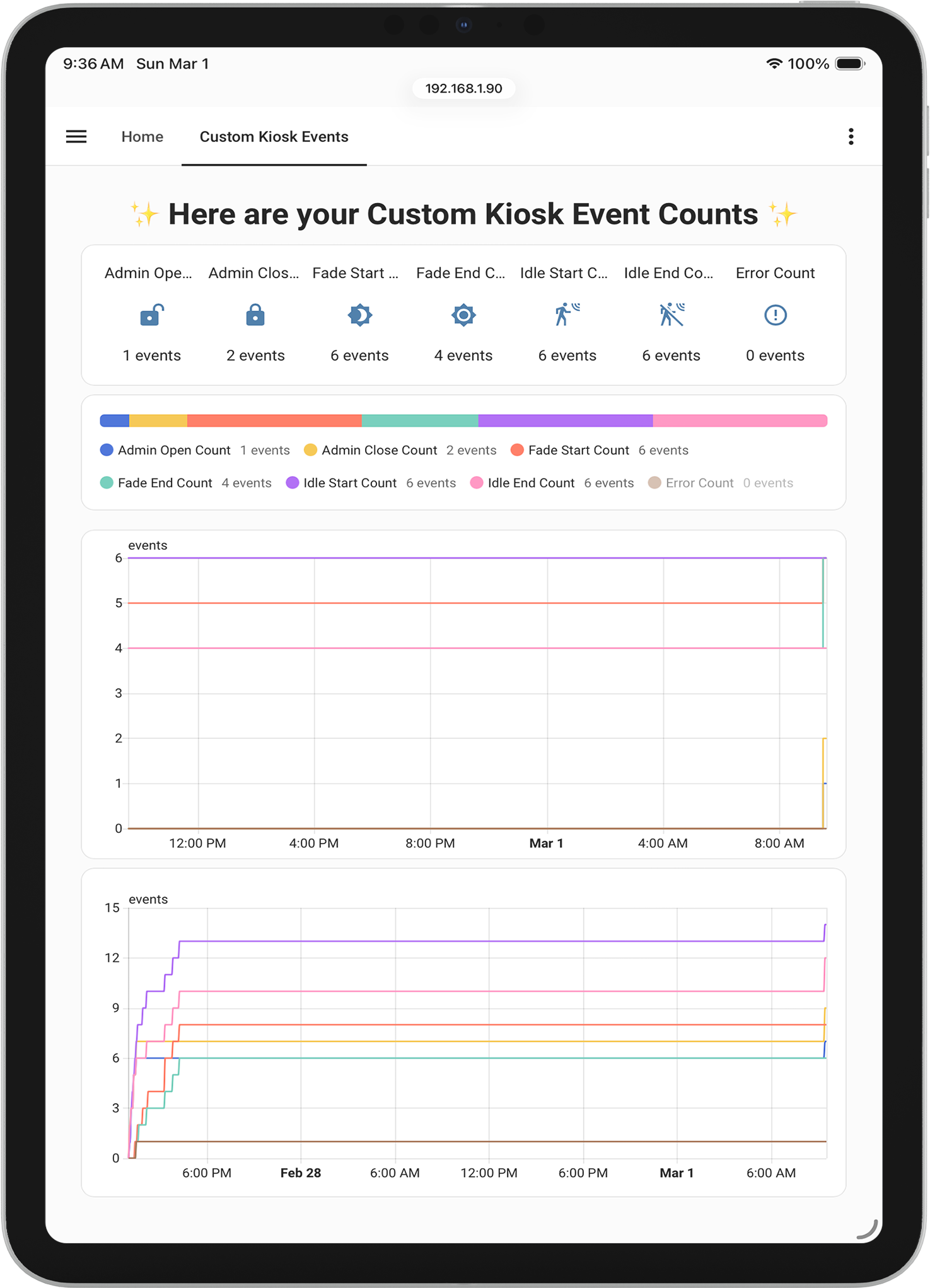
Send kiosk events to Home Assistant (idle start/end, fade to black start/end, admin open/close, errors) via REST API or webhook. Use the “ha_dashboard_kiosk” event in automations to react to what’s happening on the kiosk (Pro). - Shortcuts & Automation
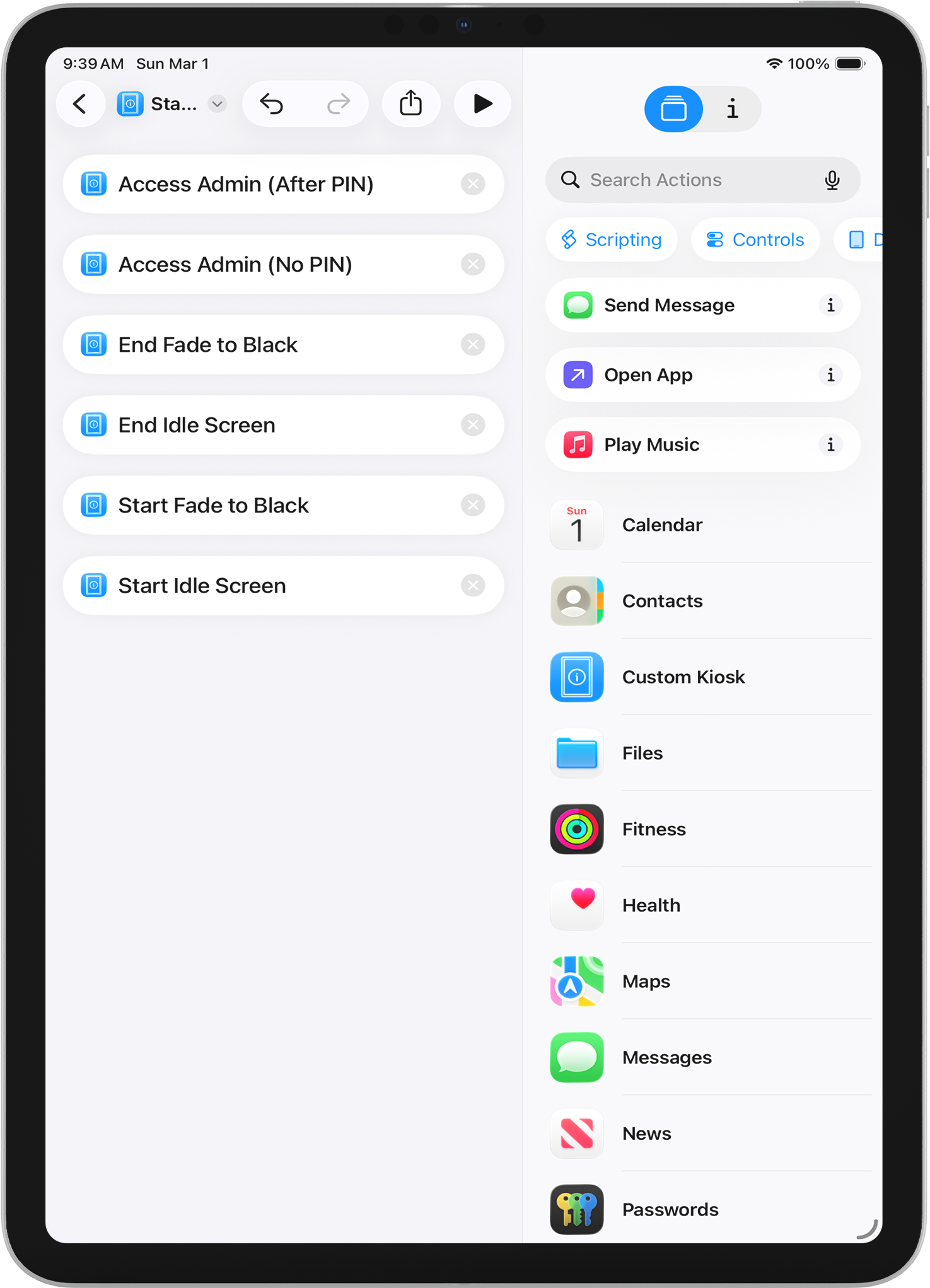
Use Siri and the Shortcuts app to control the kiosk: Start Idle, End Idle, Start Fade to Black, End Fade to Black, and Open Admin. Combine with device triggers (for example, “When I leave home”) for fully automated behavior (Pro).
PERFECT FOR
- Wall-mounted iPad dashboards
- Smart home control panels
- Kitchen and living room displays
- Home Assistant power users
- Nabu Casa subscribers
Get started in minutes. Connect to your Home Assistant, pick your dashboard, and mount your iPad. Your smart home, always visible.